
Creating a comfortable, organized home office is essential for anyone working remotely or managing tasks at home. A cluttered workspace can distract you, reduce your motivation, and ultimately affect your productivity. Fortunately, organizing your home office doesn’t have to be complicated or time-consuming. With a few easy changes, you can transform your workspace into a place that encourages focus and boosts your work performance.
Why Organizing Your Home Office Matters
Before diving into the practical tips, it’s useful to understand why organizing your workspace impacts your productivity. A clean and well-arranged office helps reduce stress by minimizing visual distractions. It allows you to find important documents or tools quickly, saving time and frustration. Plus, a dedicated, orderly space can psychologically prepare you for productive work sessions.
Start with Decluttering: Less Is More
The first step toward an organized home office is clearing out unnecessary items.
– Sort your belongings: Gather everything on your desk and shelves, then decide what to keep, toss, or donate.
– Limit what stays: Only keep what you use daily within arm’s reach to avoid clutter.
– Regularly review: Set a weekly or monthly time to tidy up and remove items you no longer need.
Choose the Right Furniture and Layout
Your furniture and its arrangement can affect both comfort and efficiency.
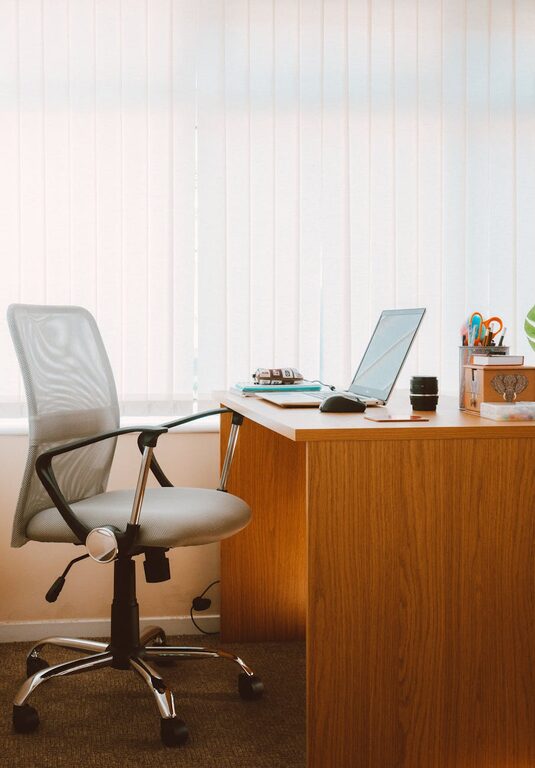
– Invest in a quality desk and chair: Ergonomic furniture supports good posture, reducing fatigue.
– Optimize desk space: Use an L-shaped desk or corner setup if space allows, providing more surface area.
– Position strategically: Place your desk near natural light, but avoid glare on screens; consider your power outlets for convenience.
Use Smart Storage Solutions
Adequate storage helps keep your workspace tidy while making sure everything has its place.
– Shelves and cabinets: Use vertical space with wall-mounted shelves or storage cabinets.
– Desk organizers: Use trays, file holders, or drawer dividers to separate supplies such as pens, papers, and chargers.
– Labeling: Label files, boxes, and drawers to make it easy to find what you need.
Manage Cables and Tech Clutter
Electronic devices and cables often contribute to mess.
– Cable management tools: Use clips, sleeves, or adhesive hooks to keep cords organized and off the floor.
– Wireless devices: Where possible, switch to wireless keyboards, mice, and headphones for a cleaner look.
– Dedicated charging stations: Create a specific area for charging phones, tablets, and other devices to avoid scattered cables.
Personalize Your Space Thoughtfully
Personal touches make your workspace welcoming but should not add clutter.
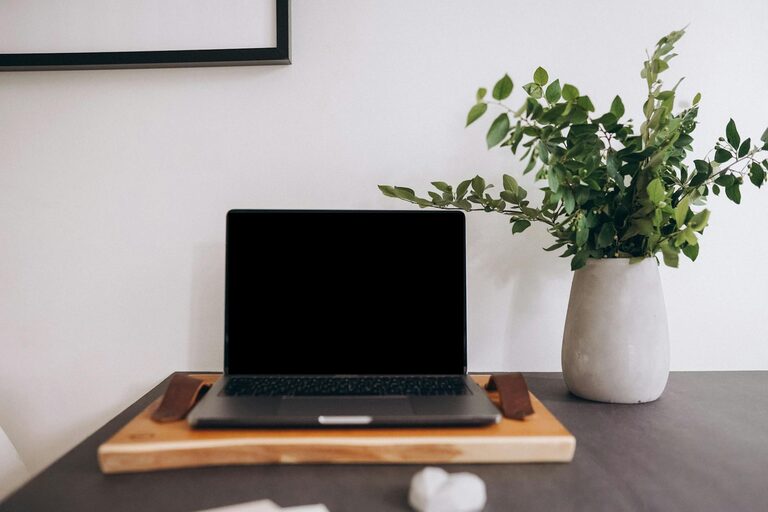
– Minimal decorations: Choose a few meaningful items like a plant, photo, or piece of art.
– Functional decor: Use a stylish clock, calendar, or bulletin board to keep track of tasks.
– Comfort items: Consider a soft cushion or a small desk lamp to improve comfort and ambiance.
Develop Good Habits to Maintain Organization
Organizing is not just a one-time effort—it requires ongoing habits.
– End-of-day tidy: Spend five minutes clearing your desk before finishing work.
– Weekly clean-up: Set aside time to dust, vacuum, and reorganize as needed.
– Digital organization: Keep your computer desktop and files orderly to match your physical space.
Utilize Productivity Tools and Apps
Modern technology can complement your physical organization efforts.
– Task managers: Use apps like Trello or Todoist to keep track of your assignments.
– Calendar apps: Schedule your work hours and breaks to build routine.
– Note-taking apps: Tools like Evernote help organize ideas and important information without paper clutter.
Final Thoughts
An organized home office can make a significant difference in your day-to-day working experience. By decluttering, optimizing your space, managing technology, and maintaining good habits, you create an environment where productivity flourishes. Try these easy tips to transform your workspace and enjoy a better work-from-home routine!