Creating a well-organized home office can make a significant difference in your productivity and overall work experience. Whether you work remotely full-time or occasionally need a dedicated spot for focused tasks, having a tidy and functional workspace helps minimize distractions and keep your mind clear. Here are practical tips for organizing your home office to maximize efficiency and comfort.
1. Choose the Right Location
Selecting a dedicated space for your home office is the first step. Ideally, pick a quiet area with enough natural light and minimal foot traffic. A separate room is best, but if space is limited, a corner of a living room or bedroom can work as long as it is clearly defined as your workspace.
2. Invest in Functional Furniture
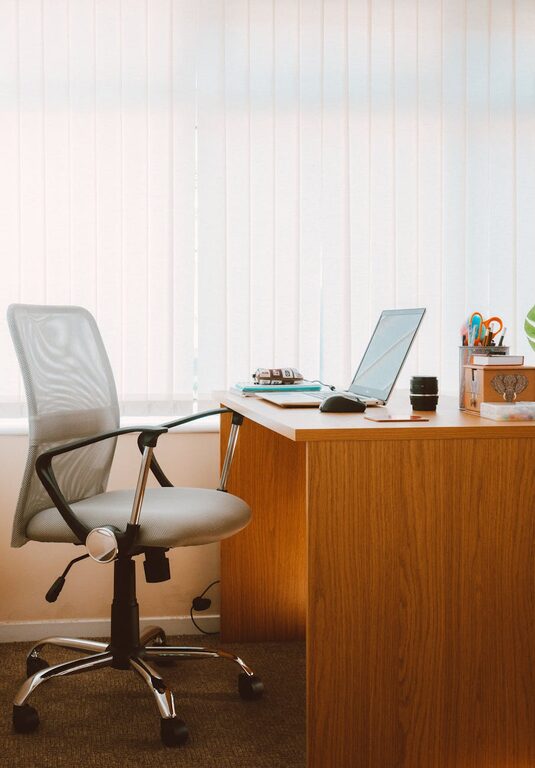
Comfort and functionality are essential. Invest in an ergonomic chair that supports good posture to reduce fatigue during long working hours. Choose a desk that fits your space, offers adequate surface area, and includes storage options such as drawers or shelves to keep supplies organized.
3. Declutter Your Workspace
A cluttered desk can hinder your concentration. Regularly clear your workspace of unnecessary papers, gadgets, and other items. Use trays, boxes, or filing systems to store papers and documents neatly. Keep only daily essentials within reach to maintain a clean and inviting environment.
4. Optimize Storage Solutions
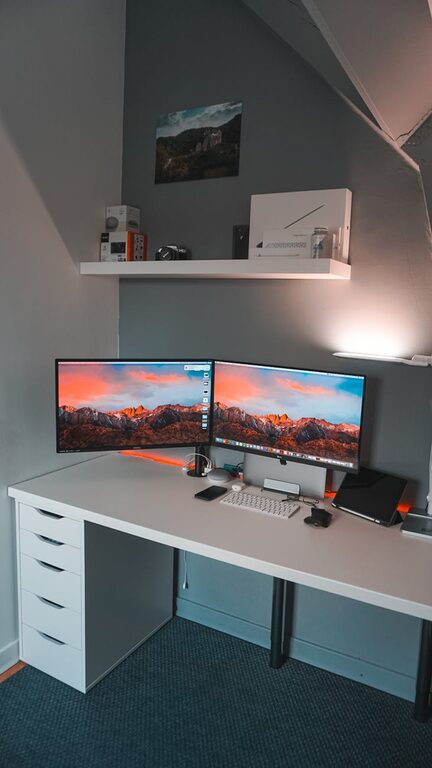
Effective storage is key to organization. Consider vertical storage options like wall-mounted shelves or pegboards to free up desk space. Drawer organizers, pen holders, and cable management tools help keep small items and cords tidy. Label storage containers for easy identification.
5. Manage Cables and Electronics
Tangled cords create visual clutter and can be distracting. Use cable clips, sleeves, or boxes to organize wires from computers, chargers, and other electronics. Position power strips under or behind the desk out of sight but within reach to keep the area neat.
6. Personalize Your Space
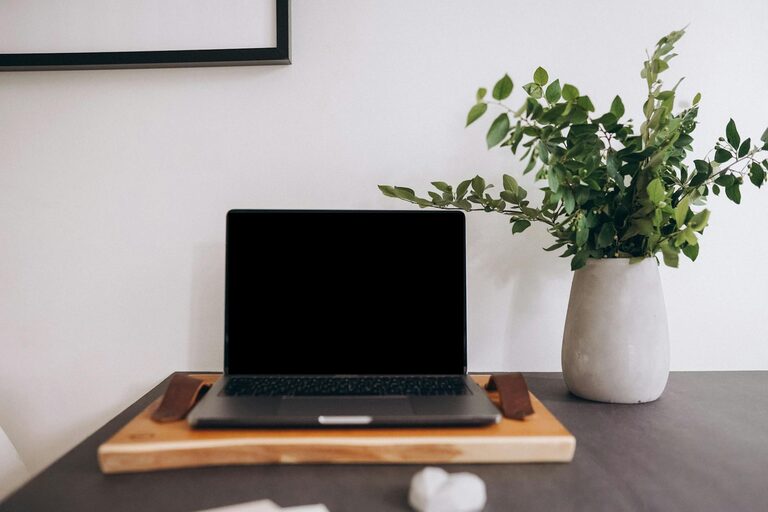
Adding personal touches can make your office more inviting. Use plants, artwork, or photos to create a pleasant atmosphere that motivates you. Just be careful not to overdo it. Too many decorations can lead to distractions.
7. Improve Lighting
Good lighting reduces eye strain and keeps you alert. Use a combination of ambient light and task lighting. Position your desk near a window for natural daylight, and add a desk lamp with adjustable brightness for focused work.
8. Establish an Organizational Routine
Set aside time weekly to tidy your workspace and organize paperwork. A short daily routine of clearing your desk at the end of the day helps maintain order and prepares you for a productive start the next morning.
9. Use Digital Tools to Reduce Paper
Go paperless where possible. Use cloud storage, digital calendars, and note-taking apps to minimize the need for physical documents. This reduces clutter and makes information easier to find and share.
10. Set Boundaries and Keep Work Separate
If your home office is part of a multitasking area, create physical or visual boundaries to signal work time and space. This helps the brain switch into work mode and separates professional tasks from personal life.
—
By implementing these tips, you can transform your home office into an organized, comfortable, and productive workspace. A little planning and regular upkeep will help you maintain an environment that supports your best work every day.