Creating a productive home office space is essential for anyone working from home or managing tasks in a personal setting. A well-organized, comfortable, and inspiring workspace can significantly improve your focus and efficiency. Here are some helpful tips to design a home office that encourages productivity and keeps distractions to a minimum.
Choose the Right Location
Starting with the location is important. Ideally, select a quiet area with minimal foot traffic and noise. If possible, find a spot with natural light, as sunlight helps improve mood and alertness.
Tips for Location Selection:
– Avoid high-traffic areas like the kitchen or living room.
– If space is limited, consider a dedicated corner or a small nook.
– Use room dividers or partitions to separate your workspace visually.
Invest in Comfortable Furniture
Comfort plays a major role in maintaining productivity. Choose ergonomic furniture that supports good posture and reduces the risk of discomfort or injury.
Furniture essentials:
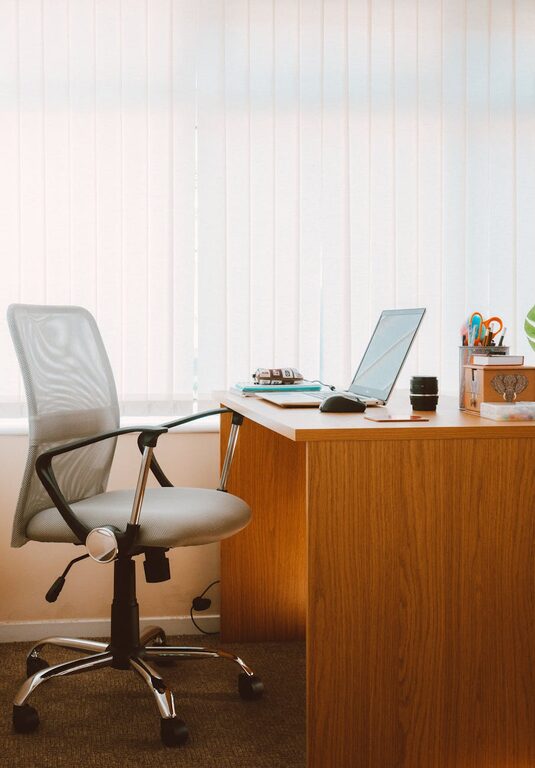
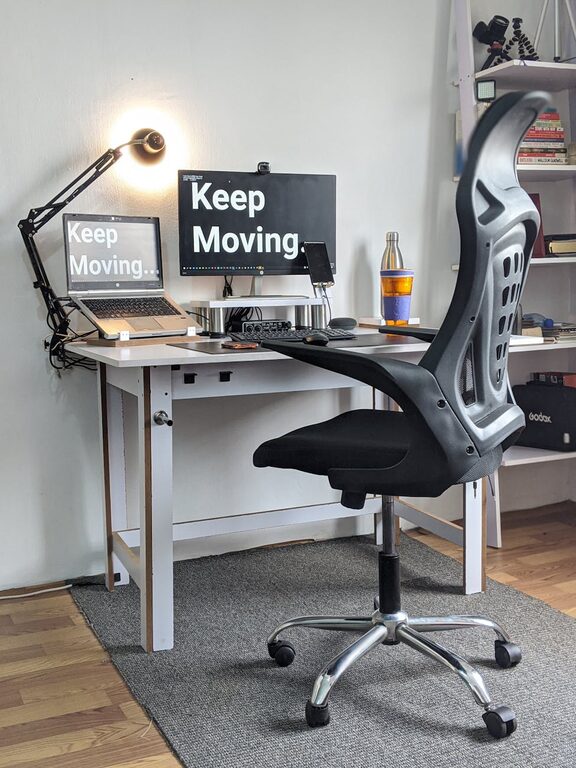
– An adjustable office chair with lumbar support.
– A desk at the right height, large enough for your computer and other essentials.
– Consider a sit-stand desk if you prefer alternating between sitting and standing.
Organize for Efficiency
Clutter can be distracting and overwhelming. Keeping your workspace organized allows you to focus better and find what you need quickly.
Organizational strategies:
– Use shelves, drawers, or filing cabinets to store documents and supplies.
– Keep only frequently used items on your desk.
– Employ cable organizers to prevent tangles and messy cords.
– Label storage bins or folders for easy identification.
Optimize Lighting
Proper lighting reduces eye strain and enhances your ability to work for longer periods.
Lighting recommendations:
– Maximize natural light by positioning your desk near a window.
– Use a desk lamp with adjustable brightness and color temperature.
– Avoid harsh overhead lighting or glare on screens.
Minimize Distractions
Reducing distractions helps you maintain concentration and work more productively.
Ways to minimize distractions:
– Use noise-cancelling headphones or play background music without lyrics.
– Turn off non-work-related notifications on your devices.
– Set boundaries with family or roommates about your work hours.
Personalize Your Space
Adding personal touches can make your workspace more inviting and motivate you to spend time there.
Ideas for personalization:
– Display inspiring artwork or photos.
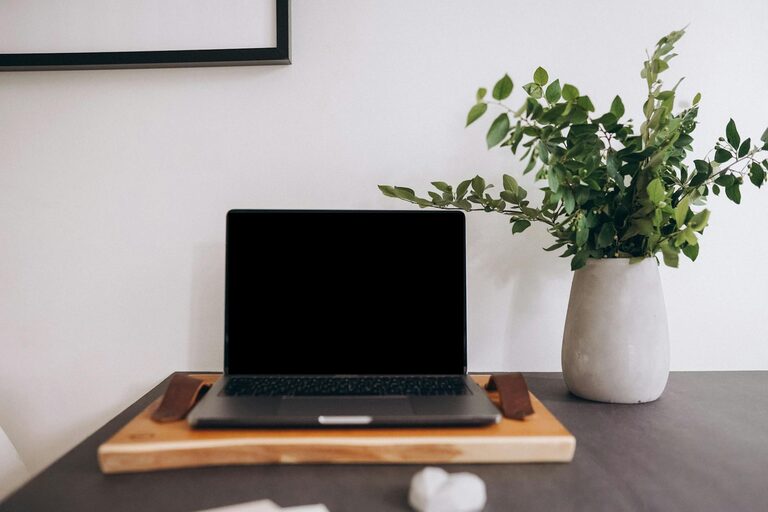
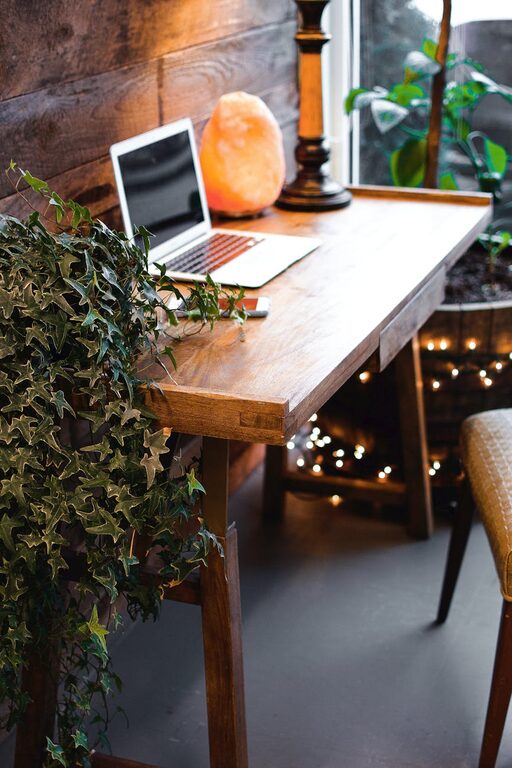
– Add plants to bring nature indoors and improve air quality.
– Use decorative organizers or mouse pads that reflect your style.
Set Up Technology Efficiently
Reliable technology is key to productivity in a home office.
Tech setup tips:
– Ensure your internet connection is fast and stable.
– Use a good quality monitor, keyboard, and mouse for comfort.
– Back up your work regularly using cloud services or external drives.
– Keep chargers and cables organized and easily accessible.
Establish a Routine
A productive workspace is only effective when paired with a consistent work routine.
Routine-building tips:
– Set regular work hours and stick to them.
– Take short breaks to stretch and rest your eyes.
– Use a planner or digital calendar to schedule tasks and deadlines.
Keep the Space Clean
Regular cleaning helps maintain an inviting and healthy work environment.
Cleaning tips:
– Wipe down surfaces and electronics weekly.
– Empty trash bins daily.
– Clean your chair and floor to keep dust and allergens under control.
—
By following these tips, you can create a home office space that not only supports your professional goals but also enhances your overall well-being. A thoughtfully designed workspace makes working from home a more enjoyable and productive experience.